AI Customer Support Assistant Guide
If you’re a business owner thinking “I want an AI assistant for customer support, but I don’t know where to start” — this guide is for you.
What is Konciera?
Konciera is an AI-powered customer engagement assistant designed for service businesses (restaurants, salons, hotels, gyms, shops). It answers customer questions using your business knowledge and can connect to your systems to complete requests (booking, changes, order status, escalations).
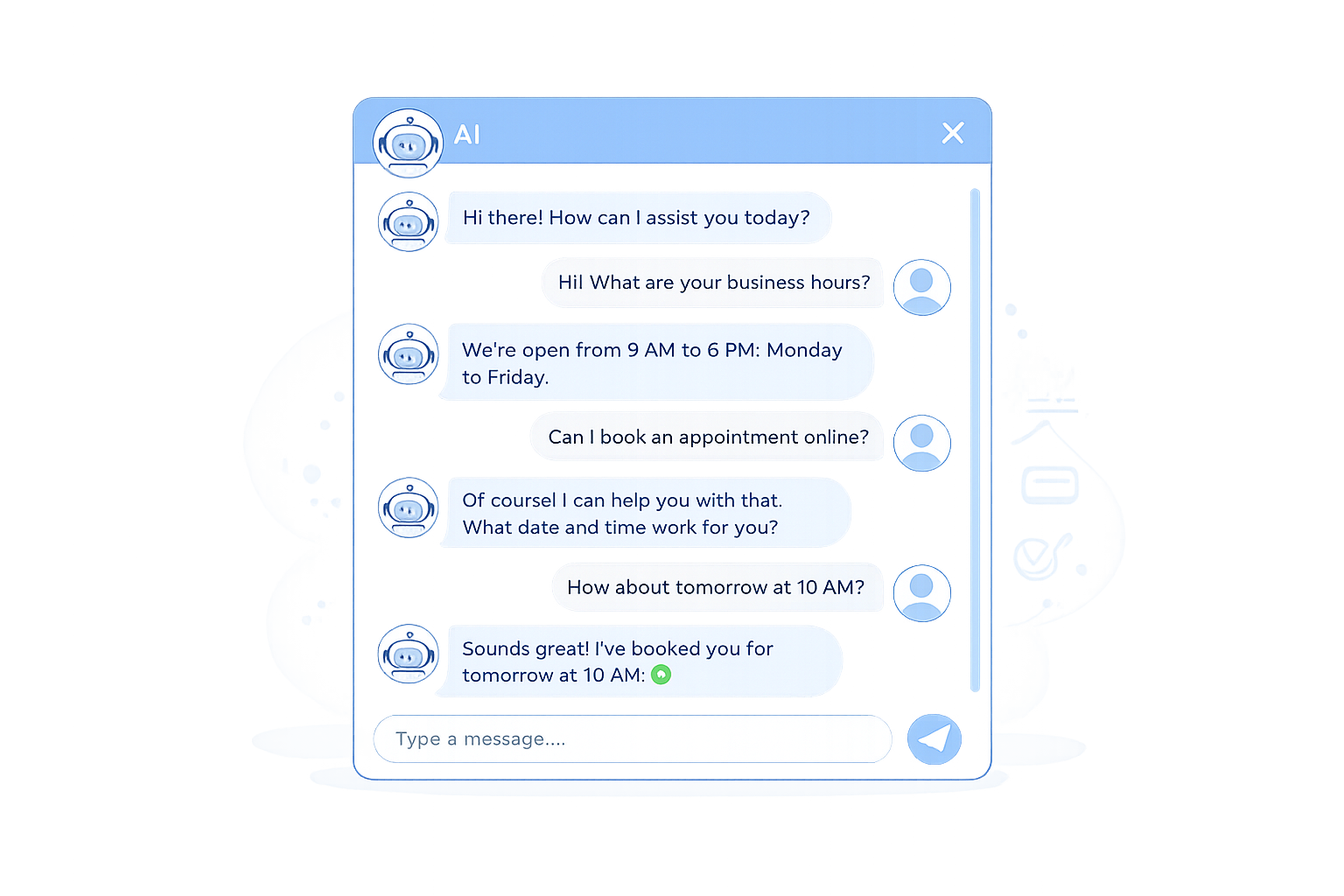
Chatbot: A rules/flow-based conversational tool that handles predefined questions well but struggles outside scripted paths.
AI assistant / AI agent: A more capable system that can understand intent, use business knowledge, and (when integrated) plan and take actions across tools.
RAG (retrieval-augmented generation): A method where the assistant retrieves relevant info from your sources and answers based on that, improving reliability versus guessing.
Guardrails: Rules that restrict what the assistant can say/do, and when it must escalate.
Human handoff: Escalation to a staff member with a summary + captured details so the customer doesn’t repeat themselves.
Key Terms
Tell me about implementing AI assistants
What’s the difference between a chatbot and an AI assistant?
Answer: A chatbot is typically predefined flows, while an AI assistant/agent is designed to understand context, reason, and (optionally) take actions using business data and tools
How to decide quickly
Choose a chatbot if your needs are: hours, address, simple FAQs, fixed scripts.
Choose an AI assistant if your needs are: “what should I book?”, exceptions, policies, comparisons, multi-step requests, and cross-channel consistency.
Do we have to “train” an AI assistant?
Answer: You don’t need custom model training to start. Konciera uses a retrieval approach (RAG), so you should focus on building clean, well-structured, up-to-date knowledge.
What you actually need
One source of truth for: services/menu, pricing, policies, operating hours
A list of your most common customer questions (from tickets/DMs/calls)
Can customers still reach a human?
Answer: They should — and it should be obvious. A good setup is AI-first with seamless human takeover, not AI-only.
Best practice handoff
One-click human escalation
Summary of the conversation + customer intent + collected details
Routing to the right team (front desk, manager, stylist, support)
This avoids the #1 customer complaint: repeating themselves.
What should we automate first?
Answer: Start with the highest-volume, lowest-risk questions and workflows.
Great first use cases
Hours, location, pricing, services/menu items
Booking steps and FAQs
Policy questions (late arrivals, cancellation rules)
Order/reservation status (when integrated)
Avoid first (until you’re confident)
Payments, refunds, disputes
Anything requiring identity verification
Medical or legal advice
Is it difficult to implement an AI assistant?
Answer: It’s usually not “hard AI” — it’s content + integration work. You’ll get value fastest by launching in phases.
A practical phased rollout
Phase 1 — Answer questions reliably (your FAQs, policies, service/menu info).
Phase 2 — Add guardrails + human handoff (safety and customer trust).
Phase 3 — Connect systems (booking, CRM, ticketing, order status, etc.) for “assistants that act.”
How do we prevent wrong answers (hallucinations)?
Answer: Reduce guessing by grounding answers in your sources, forcing clarifying questions, and escalating when confidence is low.
High-signal guardrails
“Answer only from approved sources. If not found, say so.”
Escalate automatically for: billing, sensitive personal data, complaints, medical/legal topics
Always offer “Talk to a person”
Log and review “unknown” questions weekly to improve coverage
Is it safe to connect an AI assistant to our systems?
Answer: It can be safe — but treat it like any integration with customer data: strict access control, data minimization, monitoring, and clear vendor policies.
Why this matters: there are real-world examples where chatbot logs contained sensitive user data and were accessible beyond what users expected.
Minimum security checklist
Role-based access to tools and customer data
Don’t allow actions (refunds, cancellations, account changes) without verification
Minimize what’s stored; set retention policies
Monitor and review escalations and “edge-case” prompts
How do we measure ROI?
Answer: Measure outcomes that map to money and time—not “how human it sounds.”
Core metrics
Time to first response
Time to resolution
% of conversations resolved without a human
Booking / purchase conversion from chat
CSAT or complaint rate
Escalation rate + escalation quality
List your top 30–50 customer questions (from DMs, tickets, calls)
Pick the first 10 to automate (high-volume, low-risk)
Create/clean your source pages (policies, services/menu, pricing, hours)
Define guardrails: what’s allowed vs must-escalate
Add a clear human handoff path
Launch on one channel (website chat), then expand to others
Review weekly: unanswered questions → update content → improve coverage